
AI-Assisted Expense Processing
Record property expenses without typing them in one by one
Upload a receipt or invoice and Akweno reads the supplier, amount, date and a suggested category for you to confirm.
Expenses that pile up as a drawer of receipts are the records most likely to go missing before tax time. Upload your invoices and receipts and Akweno reads each one — supplier, amount, date and a suggested category — so keeping your expense records current takes minutes rather than a lost afternoon of data entry.
AI assists, you decide. Nothing is saved automatically. Every extracted expense is presented for your review and editing, and only becomes a transaction when you confirm it.
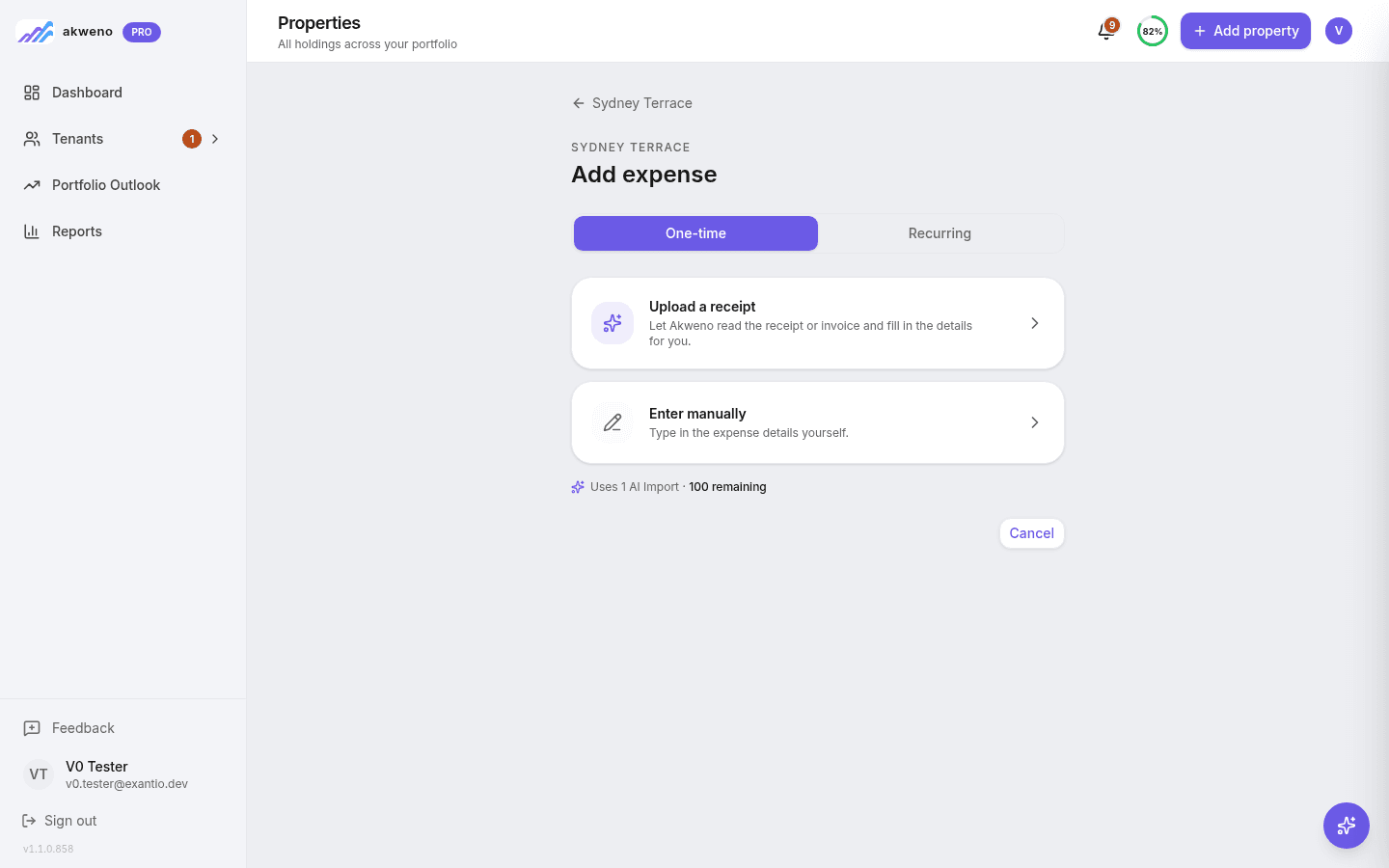
Details read from the document
Drop in a receipt or invoice (PDF or image) and Akweno extracts the supplier, amount, date and a suggested category from your own category list.
Work through a stack in one pass
Extracted expenses are grouped into ready, needs-attention and failed, so you can clear a whole shoebox of receipts in a single sitting.
Reviewed by you, linked to the source
Adjust any field, choose which ones to keep and create the transactions in a click — each linked back to its source document so the record is traceable.
Related insights
SEE MORE. DECIDE AHEAD. BUILD WEALTH.
Keep your expense records current without the data entry
Upload your invoices and receipts and let Akweno read the details, ready for you to review and confirm.
7 days free · No card required
More in Property Costs & Returns
Cap rate calculator
Estimate a value range from net operating income and a market cap rate.
Read moreArticleWhat is cash-on-cash return?
The return on the actual cash you put into a property.
Read moreGuideHow to track deductible rental expenses
A practical method for capturing every deductible expense.
Read moreCalculatorROI calculator
Measure total and cash-on-cash return on the cash you invested.
Read more