
AI-Assisted Lease Import
Set up a new tenancy without re-keying the whole lease
Upload the signed agreement and Akweno captures the rent, term and expiry for you to confirm.
Entering a new tenancy by hand means transcribing rent, term and dates from the agreement — easy to mistype, and easy to put off. Upload the lease and Akweno reads those details for you to check, so the tenancy is recorded accurately and its expiry is already tracked for renewal from the moment you save.
AI assists, you decide. Extracted lease details are a starting point you review and correct before saving. Akweno never records tenancy terms without your confirmation.
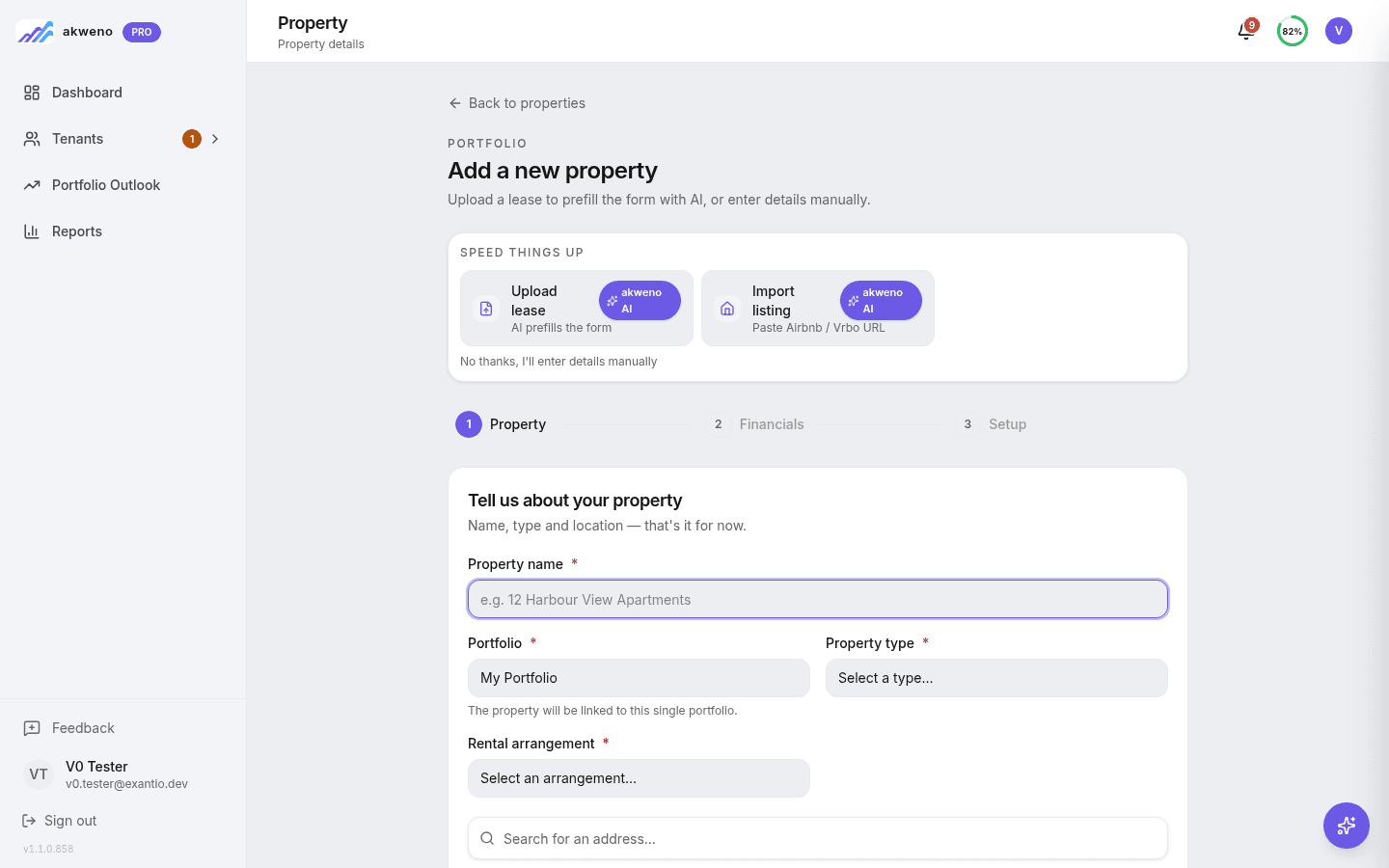
Details read from the agreement
Upload the signed tenancy agreement and Akweno extracts the tenant name, rent amount, payment frequency and lease dates for you.
Reviewed and saved in a few clicks
The extracted terms pre-fill the tenancy form, so you check them over, adjust anything that needs it and save.
Expiry tracked from the start
Once saved, the lease expiry feeds straight into your alerts, so the renewal date is tracked from the moment the tenancy is recorded.
Try the calculators
SEE MORE. DECIDE AHEAD. BUILD WEALTH.
Record a new tenancy accurately, without the re-keying
Upload the signed lease and let Akweno pre-fill the details for you to confirm, with the expiry tracked for renewal from the start.
7 days free · No card required
More on Tenancy & Leasing
Document vault
Every property document in one place, read and filed by AI, ready for tax time.
Read moreArticleHow do I track rental income?
Recording rent received across properties and tenancies.
Read moreCalculatorLease expiry scenario modeller
Compare renewing a tenant against re-letting after a vacancy.
Read moreFeatureProperty alerts
Never get blindsided by a lease running out or forget to log the rent again.
Read moreArticleWhat records should a landlord keep?
Which records to keep, and for how long, as a property investor.
Read moreCalculatorRent Benchmark Calculator
Benchmark a proposed rent increase against local market context.
Read more